The oldest pictures here are not of robots. They are screenshots of my editor: July 2022, then October, with another arrangement of buffers, colours and status lines. The control panels came before the underwater team.
In October 2023 there was a browser start page: mostly a clock, a box to type into and shortcuts to the places I kept opening. The current workbench is considerably less restrained. Two machines have names, five panels have jobs, the desktop has a companion, and there is still usually a terminal in the middle of it.
These belong in the same record as the vehicles. They are the surroundings in which the code gets written, a derivation stays open, a test carries on running, or an evening disappears into a tool that was supposed to save five minutes.
2022: an editor as a time capsule
The nvim-pde archive calls itself a personal development environment. Its README is mostly dated screenshots; the configuration and plugin locks are preserved too. It is a Neovim configuration, not a new editor implementation.
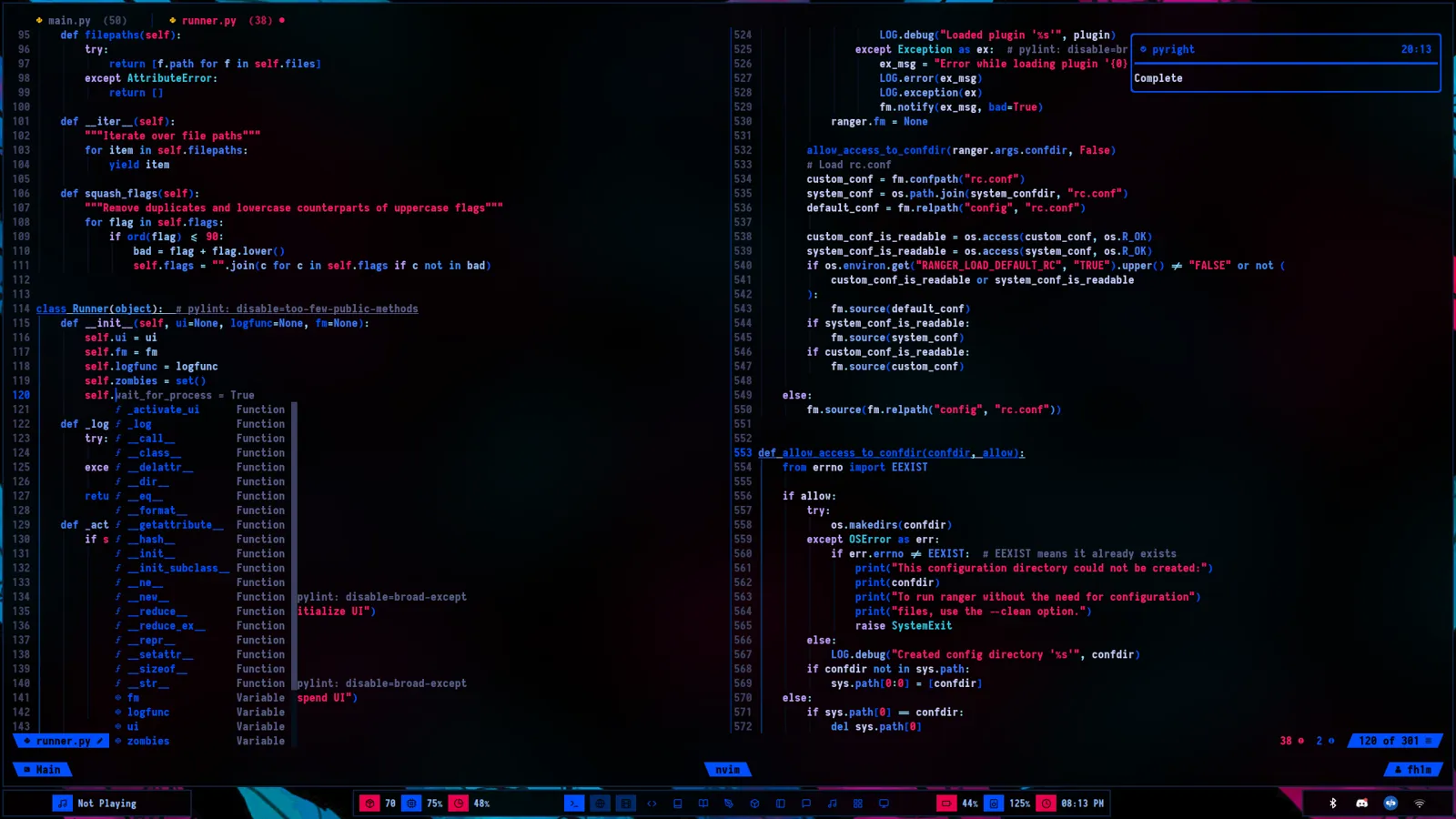
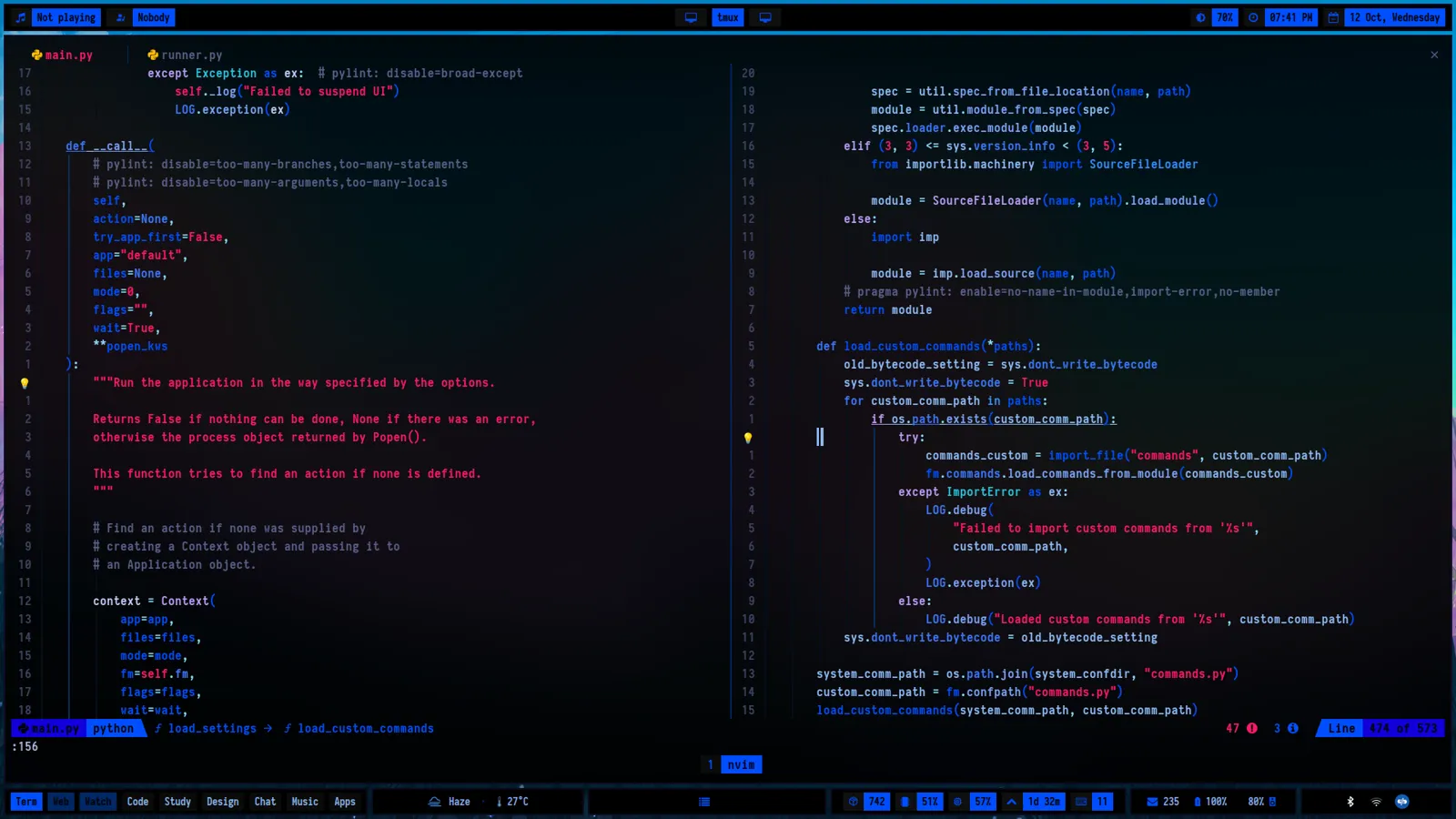
Preserved screenshots from github.com/fh1m/nvim-pde.
An editor screenshot records a different kind of progress from a release. Completion, file navigation, syntax parsing, diagnostics and a status line have to agree about the buffer under the cursor. They look like one interface, but they are separate pieces with separate configuration and failure modes.
That separation is useful to understand. A language server provides language-specific analysis; the editor is its client. A plugin manager installs editor extensions. A tool installer finding a Python executable does not establish that the language server, debugger and test runner are using the Python environment in which the project actually works.
The older screenshots are worth keeping without pretending every old choice was an architectural breakthrough. They show the setup I was using before Duburi, before a robotics workbench needed containers and serial devices, and before the same environment had to work on more than one machine.
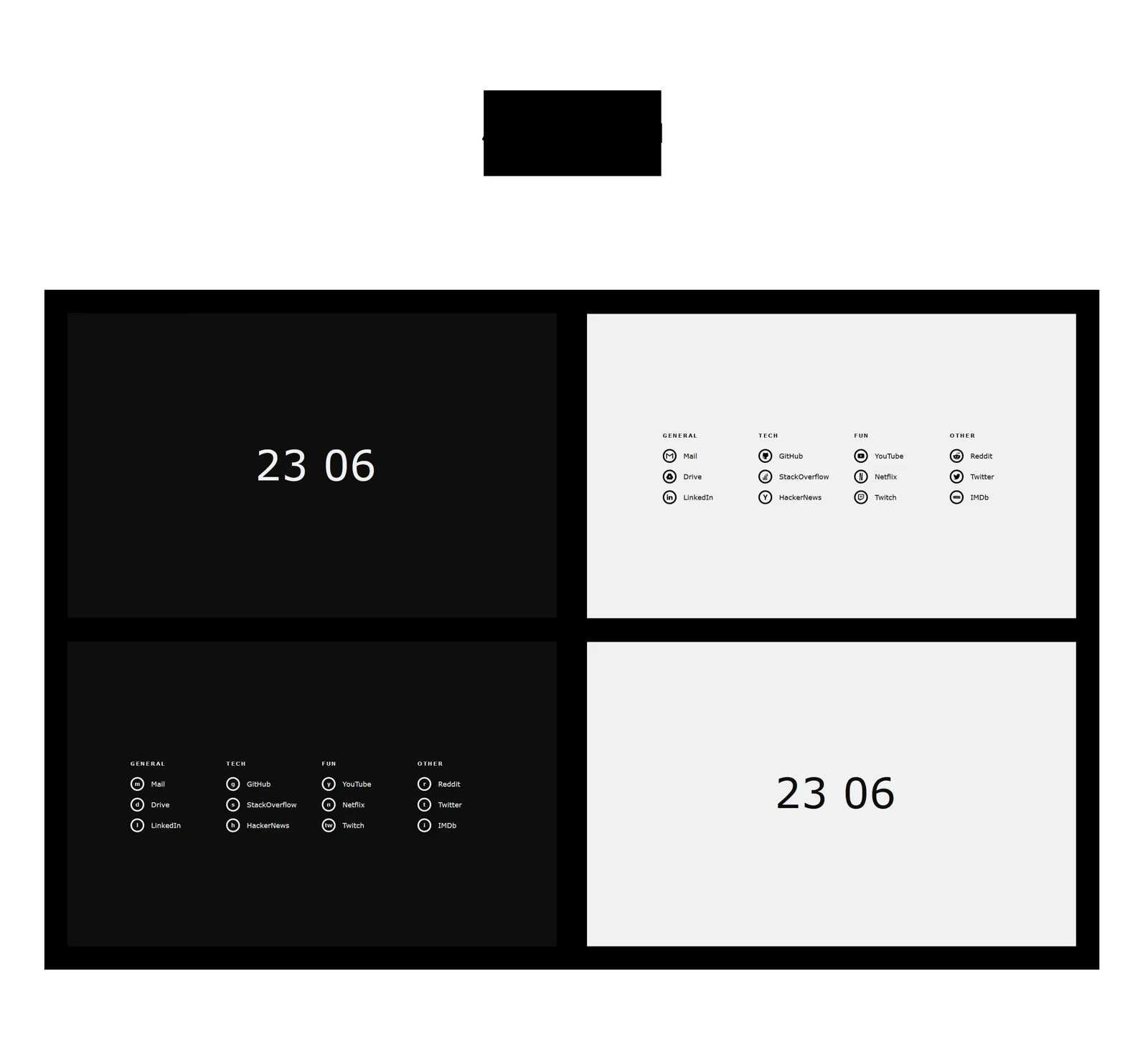
2023: a new tab that takes a key
The start page began with Ozenc Bilgili’s Tilde Enhanced. I changed its keys and configuration for my own routes around the web; the template deserves its credit.
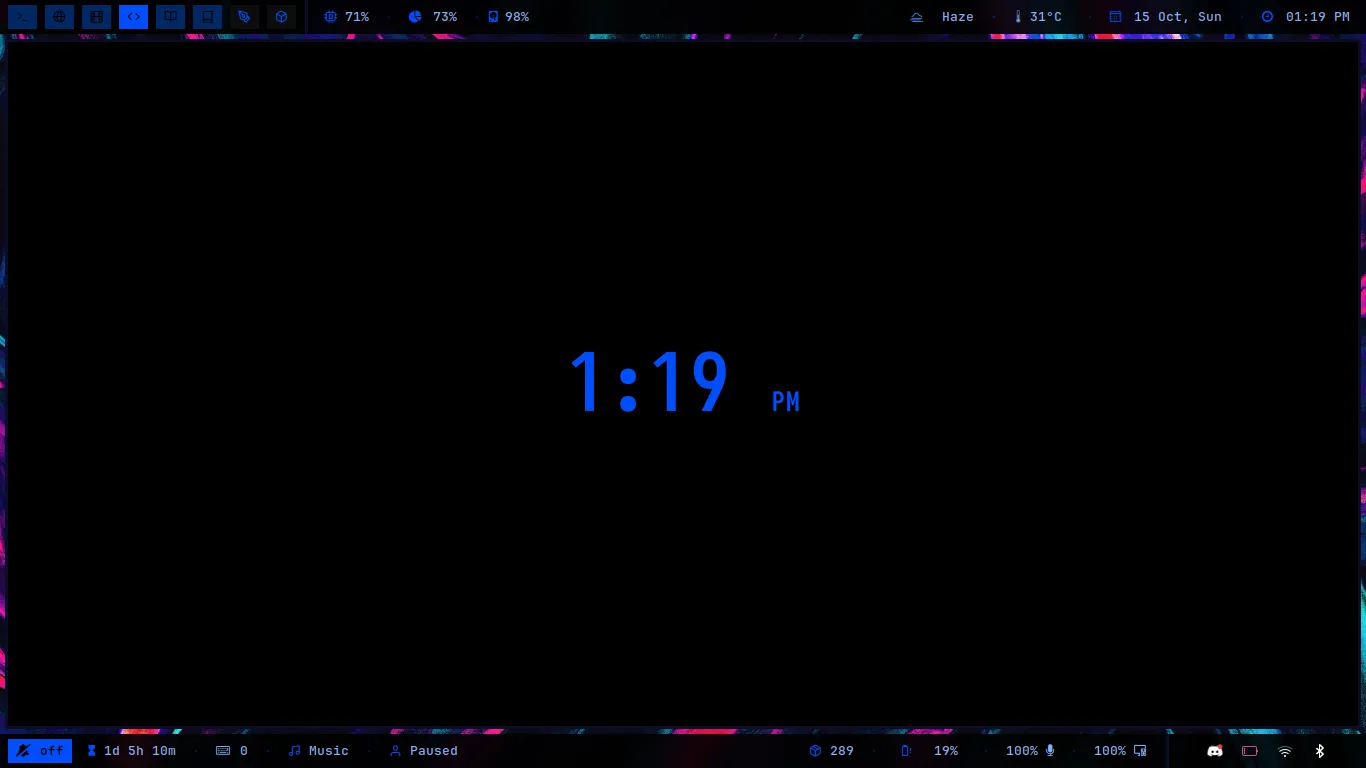
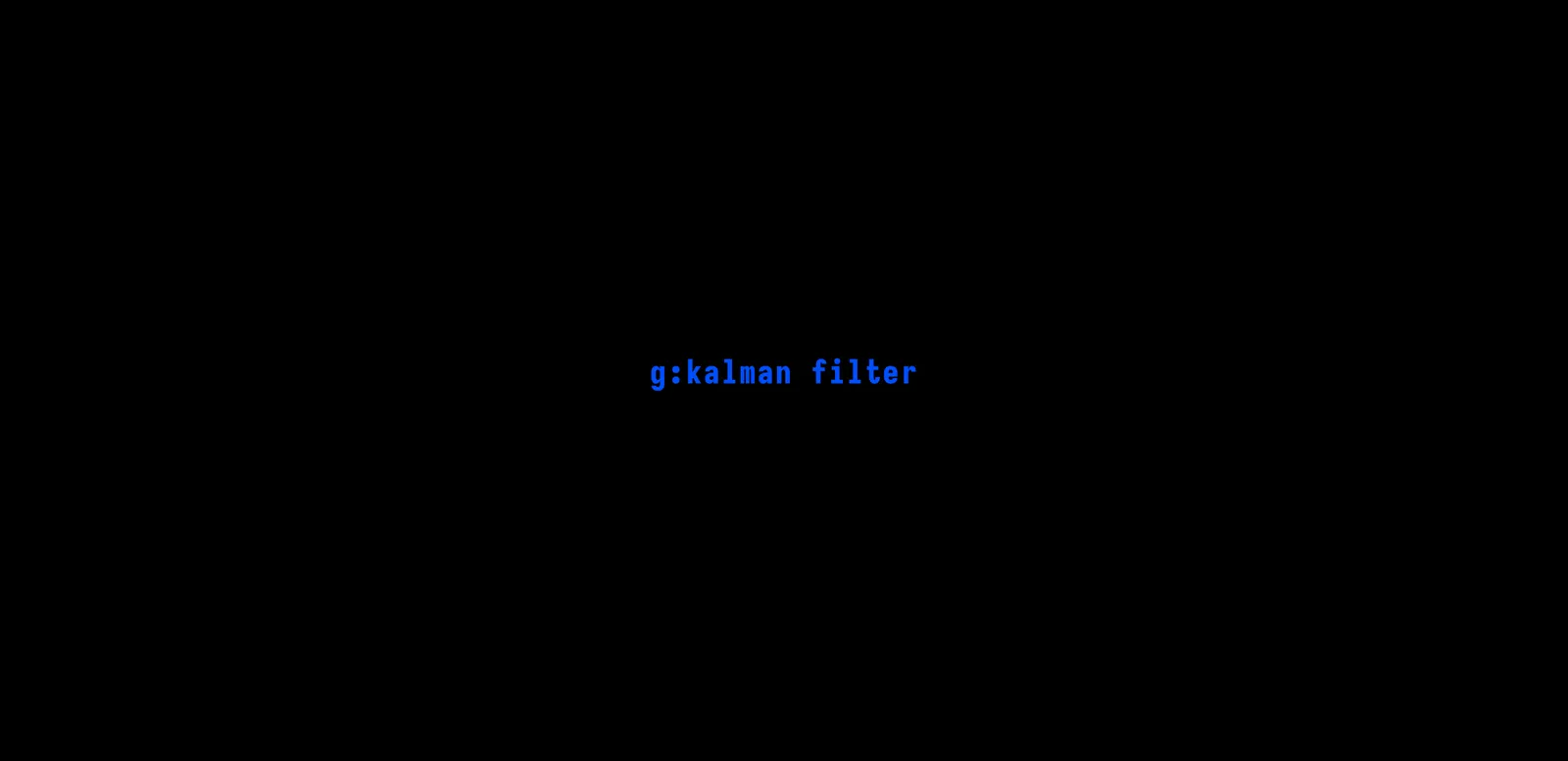
The idea is small enough to learn in a minute. An exact key opens a saved destination. A colon asks that destination to search; a slash asks for a path. Across the 21 shortcuts in the repository, keys average 1.38 characters against 13.3 characters for their domains. Those are lengths in a configuration, not a measured productivity gain.
The parser’s interesting part is precedence. A URL must not become a search just because it contains punctuation. d and dc must remain different keys, not competing prefixes. A search argument can contain another colon or an ampersand without accidentally becoming part of the URL’s control syntax.
| Input | Interpretation |
|---|---|
g | The saved GitHub destination |
g:kalman filter | GitHub search, with the query URL-encoded |
r/r/robotics | The Reddit origin plus /r/robotics |
dc/help | The Discord origin plus /help, replacing its saved /app path |
example.org | A URL; the original parser supplies http:// when no protocol is present |
| Unrecognized text | The default web search |
The distinction between a saved URL and its origin matters. Appending /help to https://discord.com/app would produce /app/help; the original parser strips the saved path first. It is a small interface contract, and easy to get wrong in a friendly-looking preview.
An exact key chooses a saved destination. key:query searches it; key/path starts at its origin. Unrecognized text falls back to web search.
There are useful rough edges in the old implementation. Raw URLs and exact keys are checked before the trimmed search/path forms, so whitespace is not treated identically in every branch. The example above preserves that behaviour rather than advertising a cleaner grammar than the source implements.
During the later clean-up I also found a less mathematical mismatch: the default search had been labelled DuckDuckGo while pointing to Google since 2023. The label says Google now. A configuration can be technically functional and still tell the wrong story about what it does.
The Den: the workbench gets a home address
Arete is the laptop. Homie is the home PC. Docked, the arrangement has two external displays, the laptop display, its ScreenPad and Homie’s display. It is two computers sharing a workbench, not one machine with a magically larger pool of memory or GPU RAM.
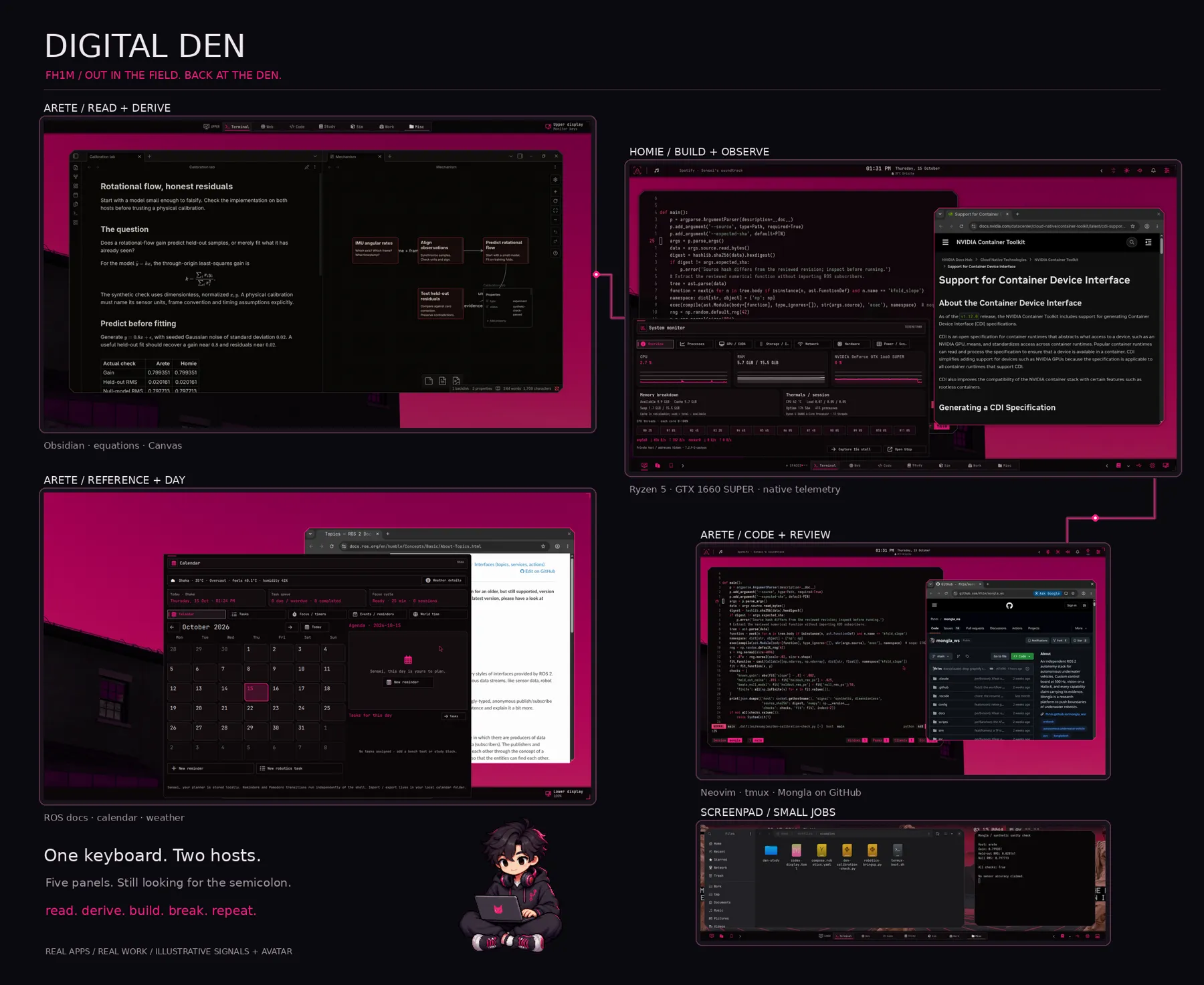
The panels have different jobs. Code and review can stay on the main display while a derivation and its experimental Canvas remain above it. Documentation, calendar and weather have another place; the ScreenPad can hold a file picker, a USB check or a short result without taking over the main workspace. Homie has its own graphics, storage and host policy.
This is the grown-up version of the old screenshots, but it is still a personal desktop. The hot pink is allowed to be hot pink. Music, wallpaper and a small illustrated colleague do not have to disappear just because a terminal contains robotics code.
What actually draws the desktop
The architecture map separates responsibilities that a screenshot makes look like one application:
- Hyprland, the compositor, places application windows and manages the physical displays and workspaces.
- Quickshell, the shell, draws the bars, dropdowns, launcher, notifications and overlays. Screen-specific surfaces are created per output rather than assuming every monitor has the same geometry.
- QML services hold shared state and adapt system sources. The open panel and its location belong to shared shell state, not a separate contradictory copy in every button.
- The working applications remain applications: a light terminal, persistent tmux sessions, Neovim, Obsidian, browsers and project tools.
This boundary explains a practical design choice. A desktop panel can request a workspace change, but it should not become an alternative window manager. A calendar can be part of the shell without making a terminal session depend on the calendar being healthy. The code, the reasoning and the surrounding controls can share a visual language without sharing every failure.
The public tree also distinguishes configuration from machine state. Shared files are rendered for the selected hardware profile; replaced files are backed up. Credentials, selected vaults and private pairing state do not become portable merely because the visible desktop is in Git.
One Python, or three disagreeing tools
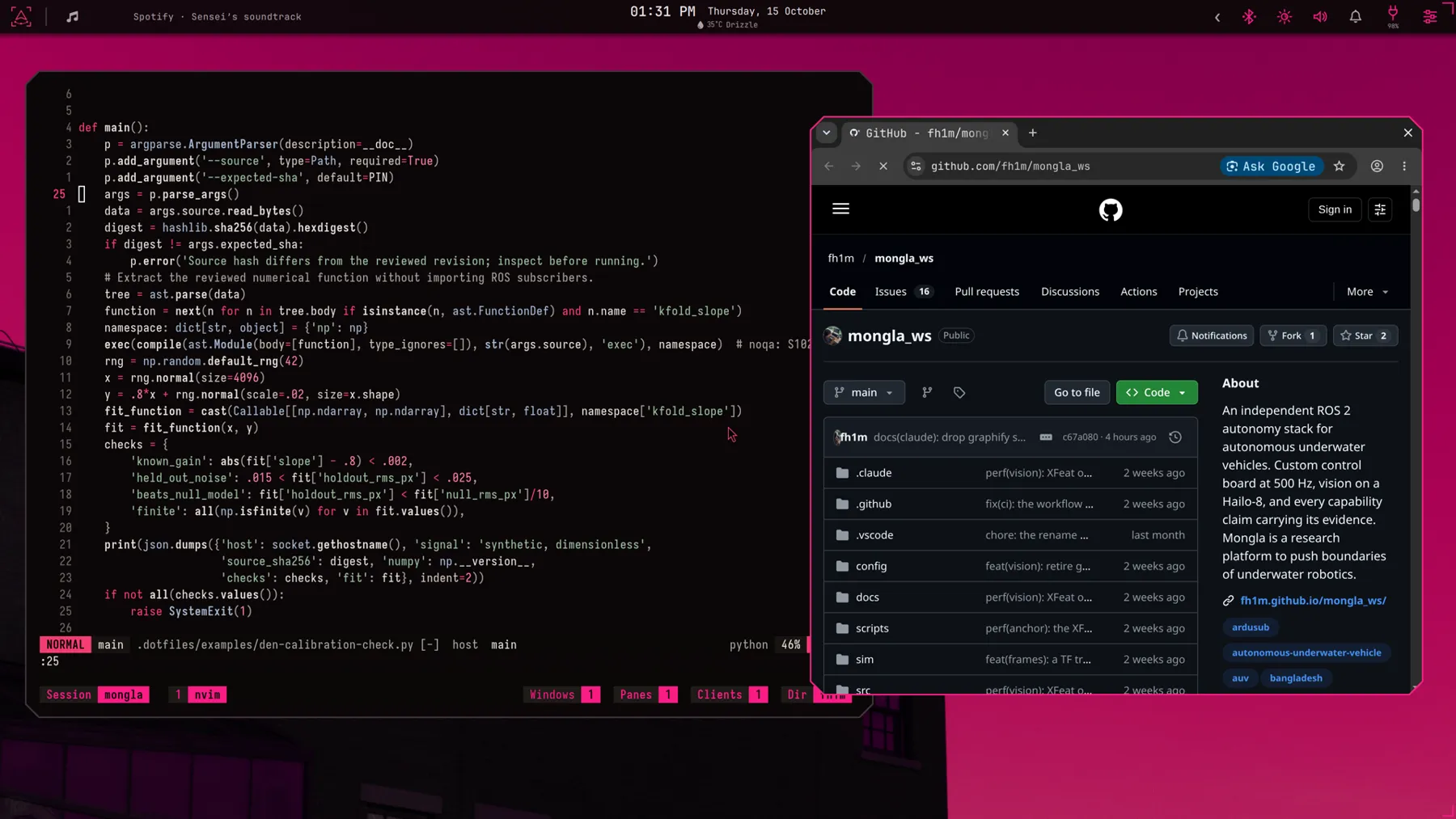
One of the more consequential parts of the current editor is not visible in a screenshot: environment.lua.
A robotics repository may be opened on the host while its dependencies live in a virtual environment or a container. If diagnostics inspect one interpreter, tests launch another and the debugger launches a third, all three tools can be internally consistent and disagree with the program that actually runs.
The resolver gives these tools one place to ask. An explicit editor selection wins. Otherwise a runnable interpreter in the project profile wins; if that does not resolve, the code checks project .venv and venv paths, then the active environment or python3 on the path. Project profiles are matched by root, preferring the most specific matching root.
There is a detail worth reading in the implementation: a fallback profile can already contain the host interpreter. Merely creating a .venv does not therefore guarantee that it will be selected first. DevInfo exposes the resolved state; DevEnvironment validates a chosen executable and makes the selection explicit. The useful property is inspectability, not an assertion that automatic detection never makes the wrong choice.
Sharing a mouse means designing a way back
Moving between hosts sounds trivial until the cursor is somewhere else and the recovery key is being captured by the wrong machine.
The Den defines physical crossing routes: from the top of the laptop to Homie, or from the right edge of the upper external display, with corresponding return edges. A disconnected configured output disables that edge rather than leaving an invisible destination.
The recovery controls are deliberately distinct. Double Ctrl locates the cursor. Triple Ctrl pauses sharing and brings it home. Ctrl+Alt+Esc releases native capture. The receiving machine keeps its own local input usable. These are not decorative shortcut choices; they make it possible to recover when the cross-host convenience is the thing that fails.
Clipboard transfer is narrower than “share everything.” The public design supports text and PNG offers, excludes sensitive offers, limits payloads and keeps other formats local. Shared storage has an explicit writable area; older volumes remain read-only. A network disconnect is not a reason to change ownership, reset a repository or erase a disk.
The same distinction applies to continuity. Tmux preserves a running session while its server lives. Git preserves source history. Encrypted snapshots preserve the selected backup scope. None is a substitute for all the others, and a second drive in the same PC is not protection against losing the PC.
A little less solemn
Zondo is the Den’s illustrated deskbuddy. He finds an unoccupied corner, types, wanders and offers short text bubbles. Applications win the space; quiet, fullscreen, lock and reduced-motion rules take precedence. The renderer is separate from the input service and does not need to inspect code, clipboard contents or keystrokes to be a companion.
There is also a Sensei guests collection, drawn from the people named on Mongla’s own reference shelf: Richard Feynman, George Hotz, John Carmack, Andrej Karpathy, Jim Keller, Chris Lattner, Paul Graham, Tim Urban, Kanye West and Rick Rubin.
Its most important distinction is editorial. Real excerpts keep their sources. Interpretations are labelled as interpretations; original workshop prompts and staged dialogue are not passed off as historical quotations. Zondo’s final question belongs to the desktop’s writing, not to the visitor’s biography. The public validation record also names which host was actually checked rather than treating a shared configuration as proof of deployment everywhere.
The desk has other rabbit holes. Music gets artwork and a queue. A comic can be a research break. The radio panel turns an RTL-SDR receiver into an invitation to look at signals rather than another permanently running dashboard.
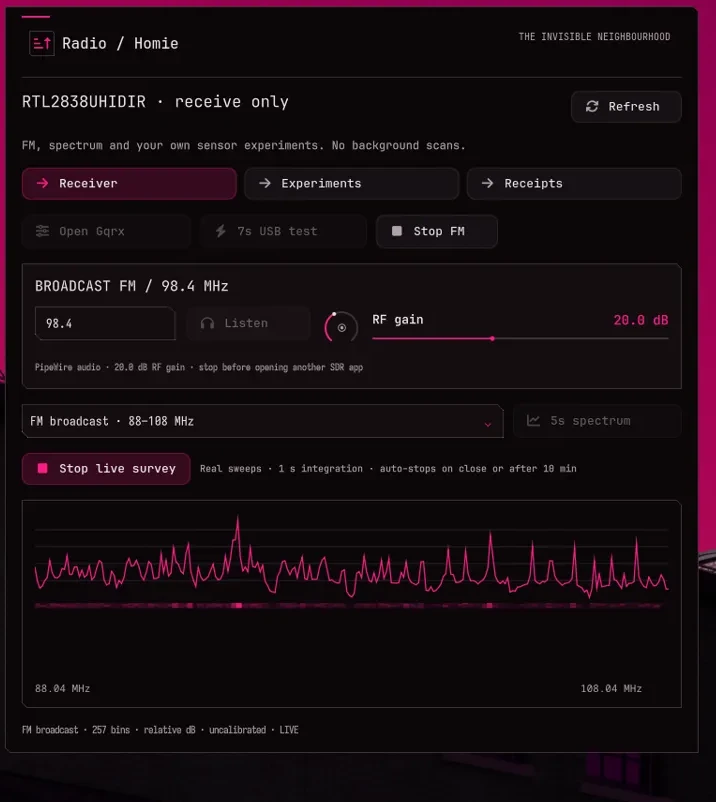
A spectrum separates signal content by frequency; a waterfall adds time so changes have a history. That is a different way of looking at a familiar neighbourhood. The public receiver controls are on demand, with bounded observations and saved receipts—not a claim that the workstation should silently scan in the background.
A camera question from 2023
The tools archive also contains my attempt at comma.ai’s calibration challenge: recover camera pitch and yaw relative to the direction of travel from dashcam video. It remains a fork and an attempt, not a leaderboard result I can substantiate here.
The question is useful even without a score. Pitch and yaw describe camera alignment, not the car’s global position. Image motion mixes camera motion, scene geometry and independently moving objects. A method that treats every moving pixel as an equally good clue has already made a strong assumption about the scene.
That question reappears in the later camera-as-a-sensor work: what has to be known before pixel motion can become a useful physical measurement? The earlier attempt stays in the story because it is part of the thread, not because every old repository needs to be rewritten as a success.
The other small tools
Passless asks what a login can keep when it does not store a password. The terminal chat makes the wire traffic visible before and after an authenticated-encryption handshake. Cipher project is a different kind of exercise: classical ciphers, including recovering a Hill key from known plaintext through matrix arithmetic modulo 26.
The old names are kept reachable too. Arduino-Vision became the Four LEDs study; Track_and_Predict became Half a second. The newer analyses do not make the earlier demonstrations cease to exist.
For the browser tool, read queryParser.js alongside the configuration: the grammar and the chosen destinations are separate concerns. For the current workstation, start with the architecture map, then the input and recovery guide. They explain why the desk looks the way it does, and what happens when part of it is absent.
The workbench is allowed to have a personality. It still needs a way to recover.